Icons in Interfaces: Why Recognition Beats Cleverness Every Time
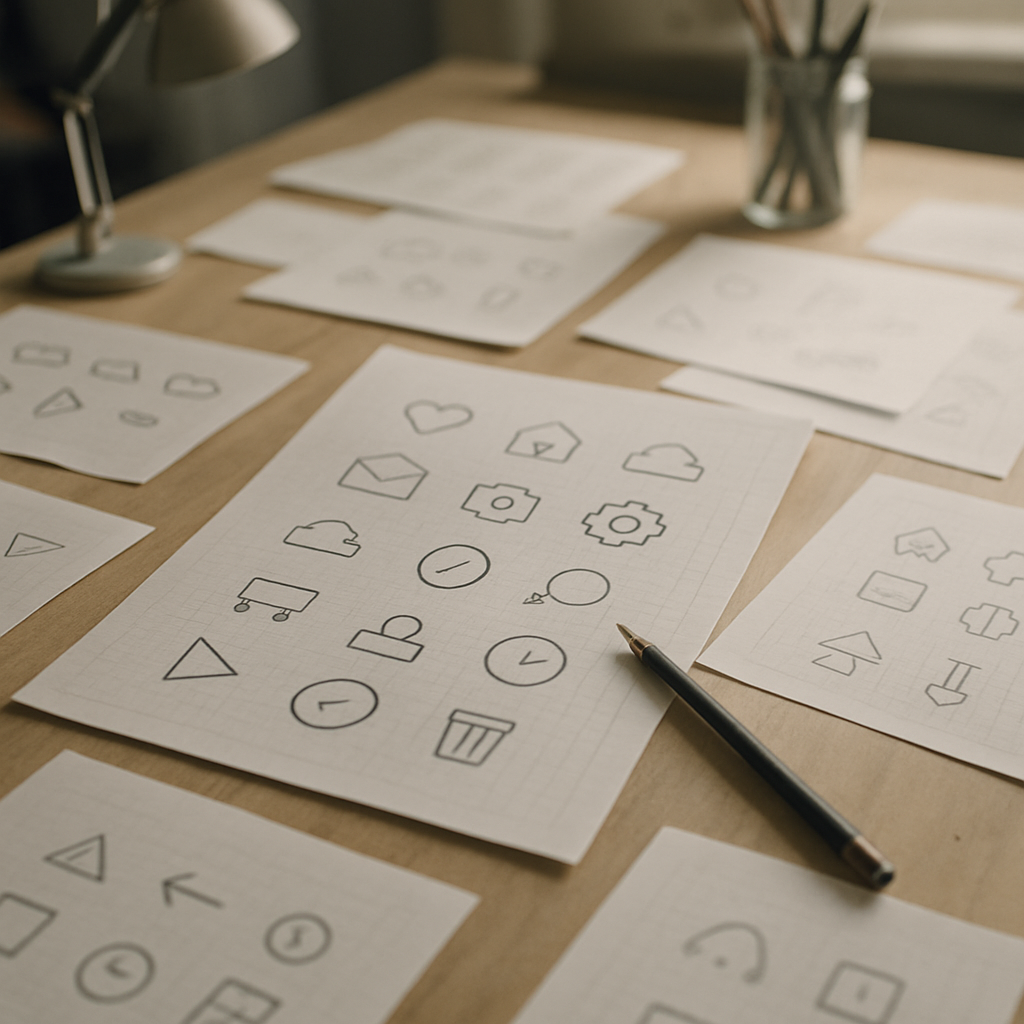
Icons promise a lot: language-free communication, compact layouts, visual polish. Product teams love them because they solve spatial problems — ten labelled buttons don't fit in a toolbar, ten icons do. But there's a well-documented catch. Users don't decode icons through logic; they recognise them through repetition. An icon your team finds elegant and self-explanatory may be pure hieroglyphics to the people actually using the product. Understanding when icons help, when they hurt, and how to design them for recognition rather than admiration is a quietly essential interface skill.
The Universal Icons Are Fewer Than You Think
Decades of usability research keep arriving at the same uncomfortable count: only a handful of icons are reliably understood without labels. The magnifying glass for search. The house for home. The gear for settings. The trash bin for delete. The play triangle. Beyond that tiny canon, comprehension drops fast — and even the canon has fuzzy edges. The heart and the star both hover ambiguously between "like", "favourite" and "bookmark", and users regularly can't predict what either will do in a given app.
The famous cautionary tale is the hamburger menu, which spread everywhere before research showed many users simply didn't recognise it as a menu. Newer inventions repeat the cycle: the share icon alone exists in at least three competing regional forms. If three major platforms can't agree on "share", your custom icon for "reconcile transactions" doesn't stand a chance on its own.
Labels Are Not an Admission of Failure
The single most effective icon-design decision is often to add text next to the icon. Study after study shows that icon-plus-label outperforms either alone: the icon gives a fast visual anchor for repeat users, and the label removes all ambiguity for everyone else. Navigation bars, toolbars and menu items nearly always benefit.
Tooltips are not a substitute. They're invisible on touch devices, they require hovering over the right pixel target, and they force users to interrogate the interface element by element — which is a description of a usability problem, not a solution. Reserve unlabelled icons for the true universals, for actions repeated so often that learning is guaranteed, or for extremely space-constrained contexts where you've verified through testing that users cope.

Designing for Recognition
When icons are the right call, a few principles separate the usable from the decorative:
- Lean on convention. If a standard metaphor exists, use it, even if a fresher idea seems more interesting. Originality in iconography is a cost users pay.
- Depict objects, not abstractions. Concrete nouns (envelope, calendar, camera) icon well. Abstract concepts ("efficiency", "insights", "sync status") mostly don't — they produce arbitrary symbols that only the design team can decode.
- Keep silhouettes distinct. Icons in a set are scanned peripherally at small sizes. If several share the same rough shape — three variations on a rounded rectangle, say — users must stop and inspect, which defeats the purpose.
- Design at target size. An icon drawn lovingly at 128 pixels often collapses into mud at 16. Details must be simplified, strokes thickened, interior spaces opened up. Good icon sets are drawn on a pixel grid at the sizes they'll actually render.
Consistency Is a System Problem
A single beautiful icon means little; interfaces contain dozens, often drawn by different people over years. Coherence comes from shared construction rules: one stroke weight, one corner radius logic, one grid, one perspective, one level of detail. Mixing filled and outlined styles arbitrarily, or icons from three different libraries, creates a subliminal sense of sloppiness even when users can't articulate why.
This is exactly the kind of thing a design system should govern. Define the grid and style rules, curate a single source-of-truth library, and establish a review path for new icons so that additions extend the family instead of diluting it. Treat every icon that means something as a named token with a fixed meaning — one icon per concept, one concept per icon. The moment "gear" means settings in one screen and processing in another, users lose trust in all of your symbols.
Don't Forget the Machinery Underneath
Icons carry meaning, so assistive technology must be able to access it. Interactive icons need accessible names — a screen reader announcing "button" tells a user nothing. Purely decorative icons should be hidden from assistive tech entirely so they don't add noise. Touch targets need to be comfortably larger than the glyph itself; a 16-pixel icon inside a 44-pixel tappable area is fine, a 16-pixel target is not. And contrast rules apply to meaningful icons just as they do to text.
Conclusion
Icons are a compression format for meaning, and like any compression, they're lossy. The craft is in losing the right things. Use the universal symbols freely, label almost everything else, design for the small sizes where icons actually live, and keep the whole set coherent through a system rather than taste alone. Cleverness impresses in a portfolio; recognition works in a product.