Designing for Augmented Reality: Interfaces That Blend Digital with Physical
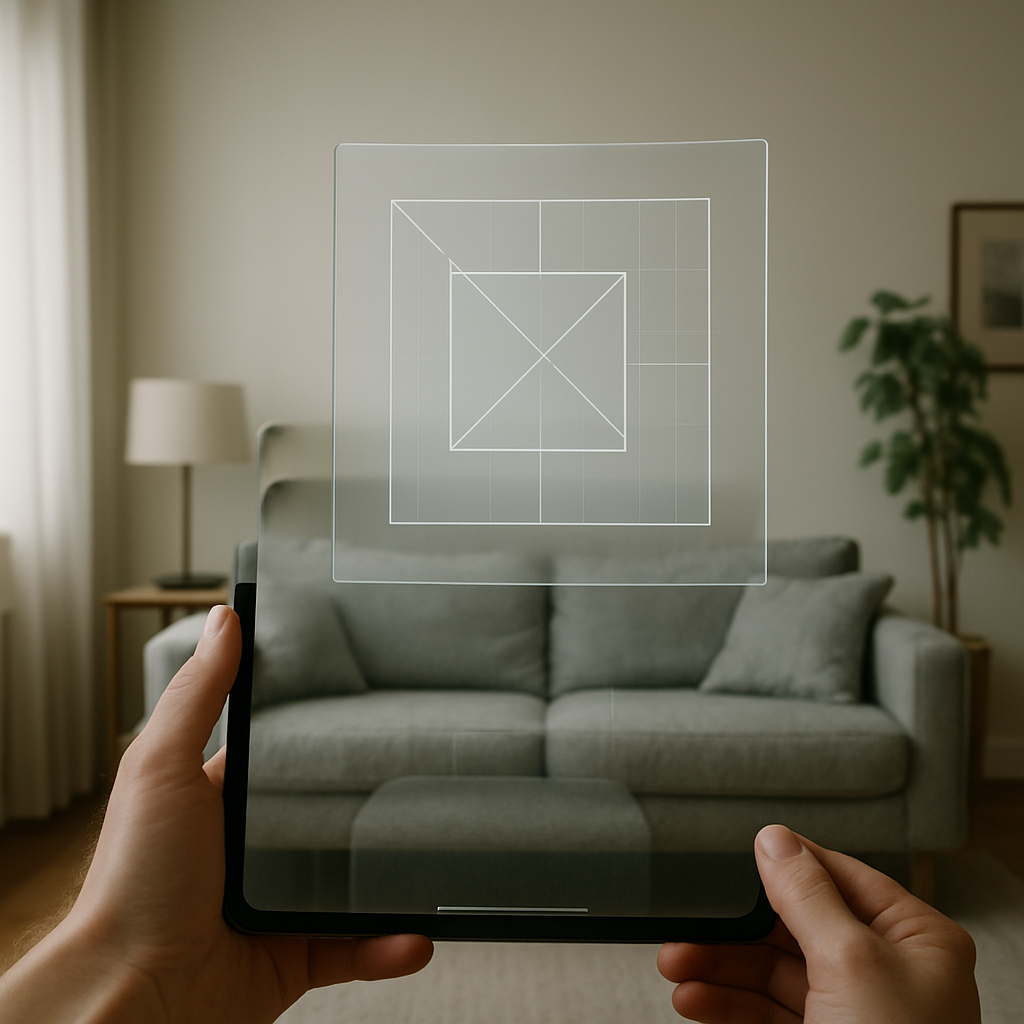
The integration of digital content with the physical world through augmented reality (AR) is redefining how we interact with technology. AR overlays digital information onto our real-world surroundings, offering a hybrid experience where the boundary between the two realms becomes fluid. As AR technology advances, the demand for intuitive and seamless user interfaces grows. Designers face the challenge of creating experiences that are both engaging and practical, ensuring that digital information complements rather than competes with physical environments. This article delves into essential considerations and practices for designing AR interfaces that effectively bridge this digital and physical divide, enhancing user experience while maintaining functionality and accessibility.
Understanding the Context of Use
Designing for augmented reality requires a deep understanding of the context in which the technology will be used. Unlike traditional mobile or desktop applications, AR interfaces are inherently spatial, meaning they interact with the user's environment in real-time. This necessitates a keen awareness of the user's surroundings, including lighting conditions, physical obstacles, and the intended purpose of the AR application. For instance, an AR app designed for industrial settings, such as Boeing's AR tool for airplane assembly, must account for complex environments with varying levels of noise, light, and movement, which can impact both usability and accuracy.
Moreover, the context of use in AR extends to the user's physical movement and interaction with the environment. The design must consider how users will physically interact with digital elements, whether through touch, gestures, or voice commands. For example, AR navigation apps like Google Maps Live View augment directional guidance with real-world visuals, demanding a seamless blend of digital and physical that enhances the user's spatial understanding without causing cognitive overload. By prioritizing context, designers can create AR experiences that are not only functional but also intuitive and immersive, allowing users to remain engaged with both digital content and their physical surroundings.
Spatial Anchoring and Object Recognition
One of the core components of effective AR interface design is spatial anchoring, which refers to the ability to place digital objects in specific real-world locations so they appear fixed and stable from the user's perspective. This is crucial for maintaining realism and providing a convincing AR experience. For example, IKEA's Place app allows users to preview furniture in their homes by anchoring virtual models in the actual physical space. This requires precise object recognition and spatial mapping technologies to ensure the furniture fits seamlessly within the existing room layout, taking into account dimensions and lighting.
Object recognition plays a vital role in enhancing the functionality of AR applications. By accurately identifying real-world objects, AR systems can provide contextual information and interactions that are tailored to the user's environment. For instance, Microsoft HoloLens utilizes advanced spatial mapping and recognition to enable users to interact with digital elements in a way that feels natural and intuitive. This capability is particularly valuable in education and training applications, where learners can interact directly with digital representations of complex machinery or biological models, enhancing comprehension through hands-on experience.
The integration of spatial anchoring and object recognition technologies not only improves the fidelity of AR experiences but also expands their practical applications. As these technologies advance, designers must continue to refine their approaches, ensuring that digital elements are seamlessly integrated into the physical world, providing users with clear, stable, and contextually relevant information that enhances their interaction with both digital and real-world environments.
Designing for Intuitive Interactions
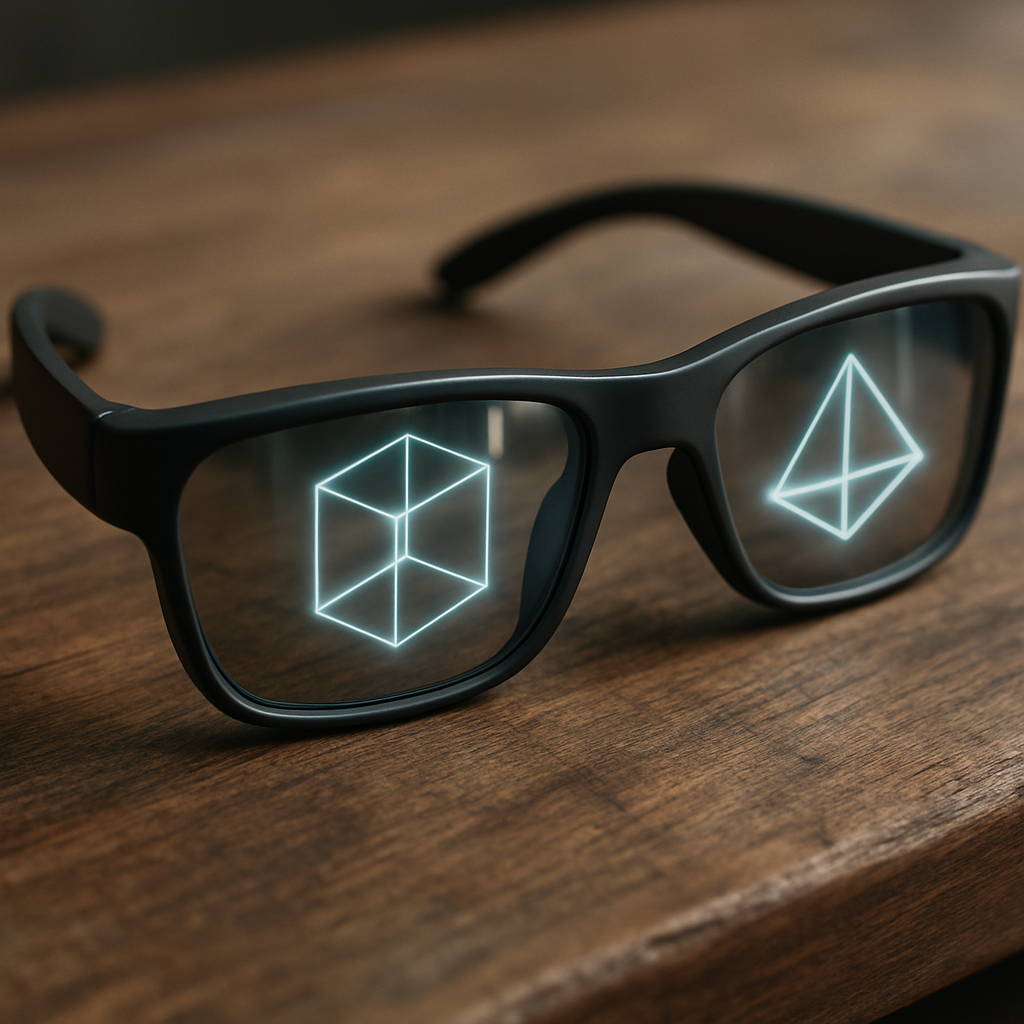
Creating intuitive interactions in AR requires a rethinking of traditional user interface paradigms to accommodate the unique demands of spatial computing. In AR environments, users are expected to interact with digital content in three-dimensional space, often using gestures, voice commands, or their gaze. Designing for such interactions necessitates a thorough understanding of human ergonomics and natural user behaviors to ensure that interactions feel instinctive and require minimal learning.
Gestural input is a significant component of AR design, as it allows users to manipulate digital content without physical controllers. Apple's ARKit, for instance, enables developers to create interactions based on hand gestures, enabling users to touch, move, and resize digital objects as if they were tangible. However, gestural interfaces must be designed with care to prevent fatigue and ensure precision. They should mimic natural human movements and provide visual or haptic feedback to reinforce user actions, thereby enhancing the sense of control and immersion.
Voice interaction is another powerful tool in the AR design arsenal. With advancements in natural language processing, devices like Google Glass can interpret voice commands to control AR applications, freeing the user's hands for other tasks. This is particularly beneficial in scenarios where hands-free operation is essential, such as in maintenance or medical fields. By combining gestural and voice inputs, designers can create AR interfaces that are both flexible and intuitive, catering to a wide range of user preferences while maintaining accessibility across diverse contexts.
Usability and Accessibility Considerations
As AR becomes more prevalent in various domains, addressing usability and accessibility concerns is crucial. AR interfaces must accommodate a diverse user base, including those with different levels of technical proficiency and physical abilities. Usability in AR design involves ensuring that interactions are straightforward and feedback mechanisms are clear. This can be achieved by adopting familiar interface elements, such as buttons and sliders, within the AR environment, which can help users transition more comfortably from traditional interfaces.
Accessibility in AR requires careful consideration of how digital content is presented and interacted with across different abilities. For instance, users with visual impairments might benefit from haptic feedback or audio cues to navigate AR interfaces effectively. Companies like Aira have developed smart glasses that deliver real-time audio descriptions of the user's surroundings, demonstrating how AR can be harnessed to improve accessibility. Similarly, for users with limited mobility, voice commands can provide an essential alternative to gesture-based controls, allowing for a broader range of interactions.
The inclusive design of AR interfaces not only enhances usability but also expands the technology's reach, making it more available to a diverse audience. By embedding accessibility features from the outset, designers can ensure that AR experiences are not only cutting-edge but also equitable and empowering for all users, driving broader adoption across different demographics and needs.
The Role of Prototyping and Testing
In the realm of augmented reality, prototyping and testing are critical phases in the design process. Unlike traditional software, AR applications require meticulous testing in real-world environments to ensure that digital content aligns well with physical surroundings. Prototyping in AR involves creating interactive models that allow designers to experiment with different interface elements, interactions, and spatial arrangements. This is vital for understanding how users perceive and interact with AR content, providing insights into potential usability issues early in the development cycle.
Using tools like Unity or Unreal Engine, designers can rapidly iterate on AR prototypes, testing various scenarios and user interactions. This iterative process is crucial for refining the user experience, helping identify discomforting elements or interactions that might not be intuitive. Companies like Magic Leap leverage extensive user testing to refine their AR products, ensuring that each interaction is intuitive and that digital content integrates seamlessly with the user's environment.
The importance of real-world testing in AR cannot be overstated. It allows designers to evaluate how different lighting conditions, physical movements, and user variables affect the overall experience. By conducting thorough testing, designers can gather valuable feedback that informs design decisions, ensuring that the final product is both effective and delightful to use. This commitment to prototyping and testing ultimately leads to more polished and robust AR experiences, paving the way for broader acceptance and use in various industries and applications.